
Start playing
Pokémon Blaze Online (PBO) is a free, fan-made Pokémon MMO. You explore Sinnoh, Jvaloh, Hoenn and Kanto alongside other trainers, and one account works everywhere: in your browser, on a computer or on your phone.
This page is your first-day checklist, from installing the game to your first Gym. For more detail, see the new player basics at the bottom.

Choose how to play
Section titled “Choose how to play”Get every file from the PBO downloads page. The game is free, and the page picks the version for your device. Do not install copies shared by other people.
No installation needed. Open play.pokemonblazeonline.com, let the game load, then log in or register.
- Your account and progress are shared with the downloadable game, so you can switch at any time.
- Browser play is still being improved, so you may meet bugs or slowdowns.
- On a phone, the browser shows the same phone layouts as the Android and iOS apps.
- On a phone, the Android app or the iOS install usually runs better.
- Download the ZIP. On the downloads page, choose Windows and download the 64-bit ZIP. A 32-bit version is listed under it if you need one.
- Extract it. Extract the ZIP to a folder of its own. Do not run the game from inside the ZIP.
- Start the game. Open the extracted folder and run
pbo.exe.
- Download the disk image. Choose macOS on the downloads page. The default disk image is for Apple Silicon Macs; an Intel Mac build is listed under it.
- Install it. Open the DMG and drag PBO into Applications.
- Start the game. Open PBO from Applications.
If macOS refuses to open the game, check that you downloaded it from the PBO downloads page. Ask for help on Discord before you change any security settings.
- Download the archive. Choose Linux on the downloads page and download the TAR.GZ for 64-bit x86. Java is included, so you do not need to install it.
- Extract it. Extract the archive and open the
pbo-linuxfolder. - Start the game. Open a terminal in that folder and run
./pbo.
Prefer a single file? The same page also offers an AppImage.
- Download the APK. Open the downloads page on your phone or tablet, choose Android and download the APK.
- Open it. Open the APK from your Downloads.
- Allow the install. If Android asks, allow your browser or file manager to install apps. Switch that permission off again once PBO is installed.
PBO is not in the App Store. On iPhone and iPad you sideload the IPA file from the downloads page.
The community’s iOS installation guide using Sideloadly on the PBO forums walks through it with a Windows PC and a USB cable. In short:
- Sign the IPA. Install Sideloadly, drop the IPA into it and sign it with your Apple ID.
- Trust the profile. On your device, go to Settings → General → VPN & Device Management and trust the profile.
- Turn on Developer Mode. Recent iOS versions also need Developer Mode.
With a free Apple ID, you have to refresh the app in Sideloadly about once a week.
Create your account
Section titled “Create your account”You create your account inside the game. You do not need a forum account.
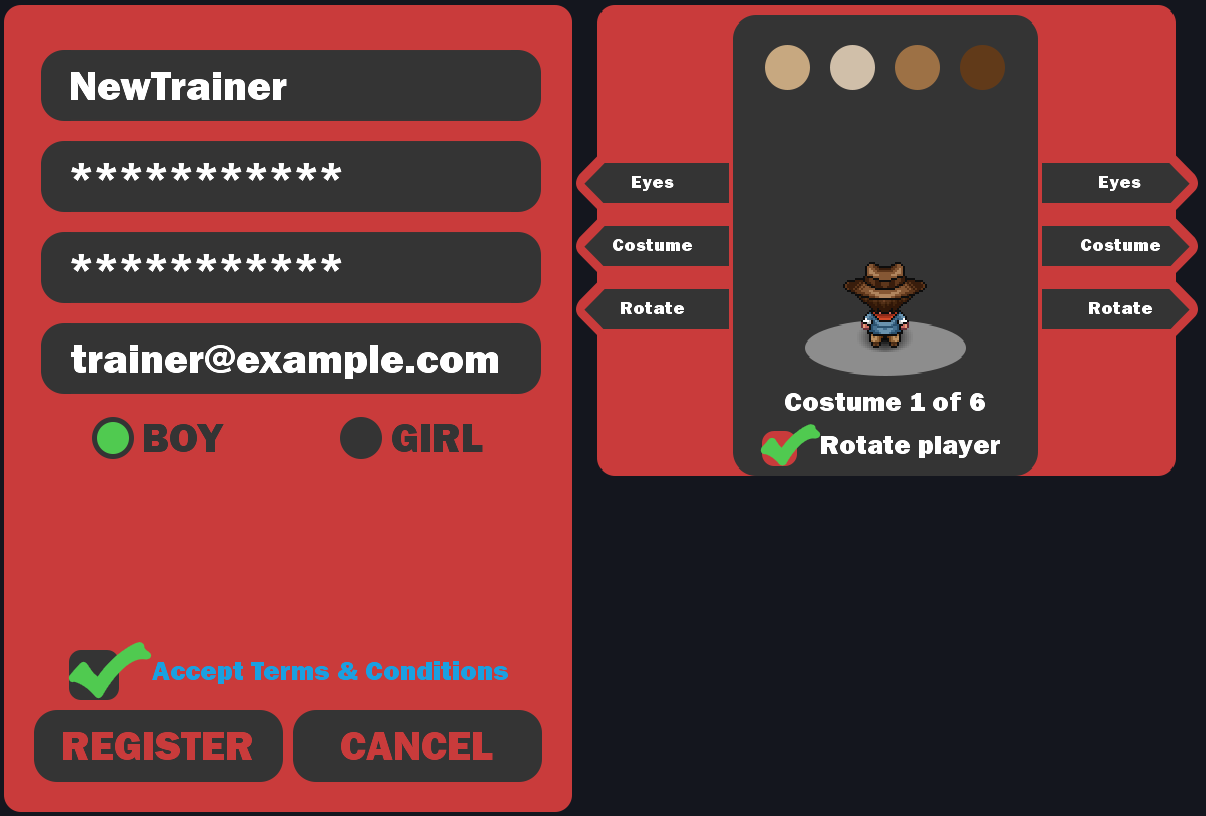
- Open the form. Start the game and choose NEW USER? on the login screen.
- Pick a username. It must start with a letter, use only letters and numbers, and be 3–13 characters long. Names with prohibited words are refused, and every name must follow the rules.
- Add a password and e-mail. Enter your password twice, then your e-mail address. Use an address you can open: if you ever change your e-mail, the confirmation code is sent to this one.
- Design your trainer. Choose BOY or GIRL, then your eyes and starting costume. Use Rotate to see your trainer from every side.
- Register. Tick Accept Terms & Conditions and choose REGISTER. The login form is then filled in for you, so you can log straight in.
Your starter and your region
Section titled “Your starter and your region”You begin in Sinnoh, in your bedroom in Twinleaf Town. The story then carries you on to Jvaloh (PBO’s own region), Hoenn and Kanto. Each region has its own starter choice, 8 Gyms and an Elite Four.
| Region | Where you choose | Starters |
|---|---|---|
| Sinnoh | Route 201 |  Turtwig Turtwig  Chimchar Chimchar  Piplup Piplup |
| Jvaloh | Prof. Blaze’s Lab |  Rowlet Rowlet  Litten Litten  Popplio Popplio |
| Hoenn | Route 101 |  Treecko Treecko  Torchic Torchic  Mudkip Mudkip |
| Kanto | Professor Oak’s Lab |  Bulbasaur Bulbasaur  Charmander Charmander  Squirtle Squirtle |
Not sure which to pick? See starters.
Your first hour in Sinnoh
Section titled “Your first hour in Sinnoh”Whenever you are unsure where to go, open the Quest Tracker in the top-right corner. It always shows your next story step; see the top-right icon bar.
-
Choose your starter. Leave your room in Twinleaf Town and catch up with your friend Barry. Your starter is waiting on Route 201.
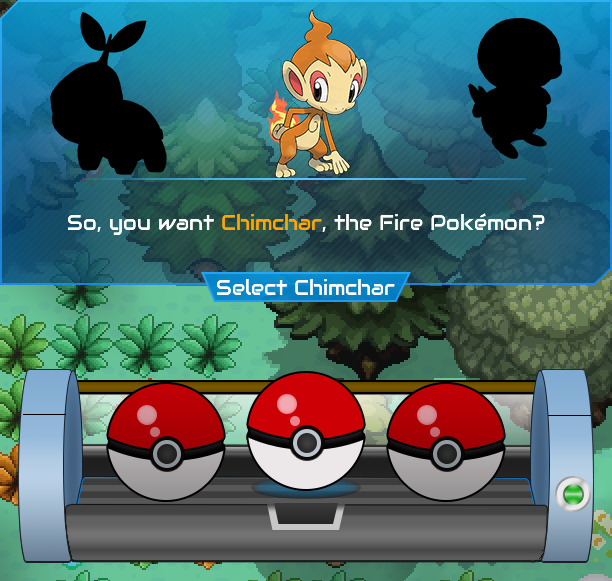
The starter window on Route 201 offers Turtwig, Chimchar and Piplup. -
Get your Running Shoes. Go home. Your mom gives you the
 Running Shoes and you put them on straight away, so you run from now on. If they are still in your bag, use them once.
 -
Go to Lake Verity. Back on Route 201, Barry wants to catch the legendary Pokémon of the lake. He will not let you go east to Sandgem Town yet, so go west to Lake Verity with him. You meet Cyrus there for the first time.
-
Visit Prof. Rowan. Follow Route 201 east to Sandgem Town and visit Prof. Rowan’s Lab.
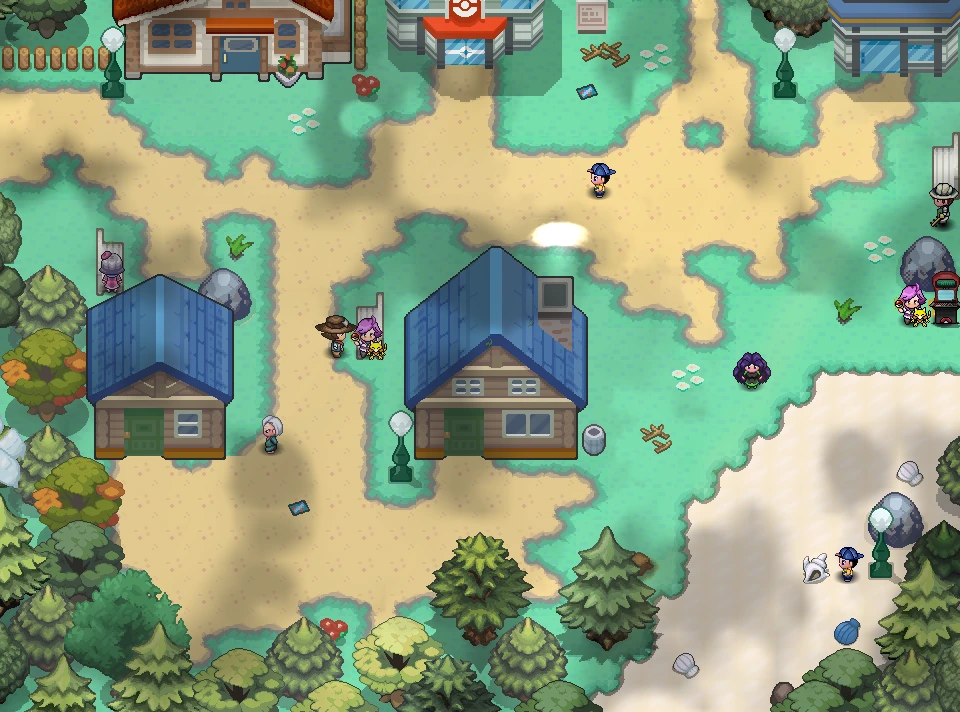
Sandgem Town 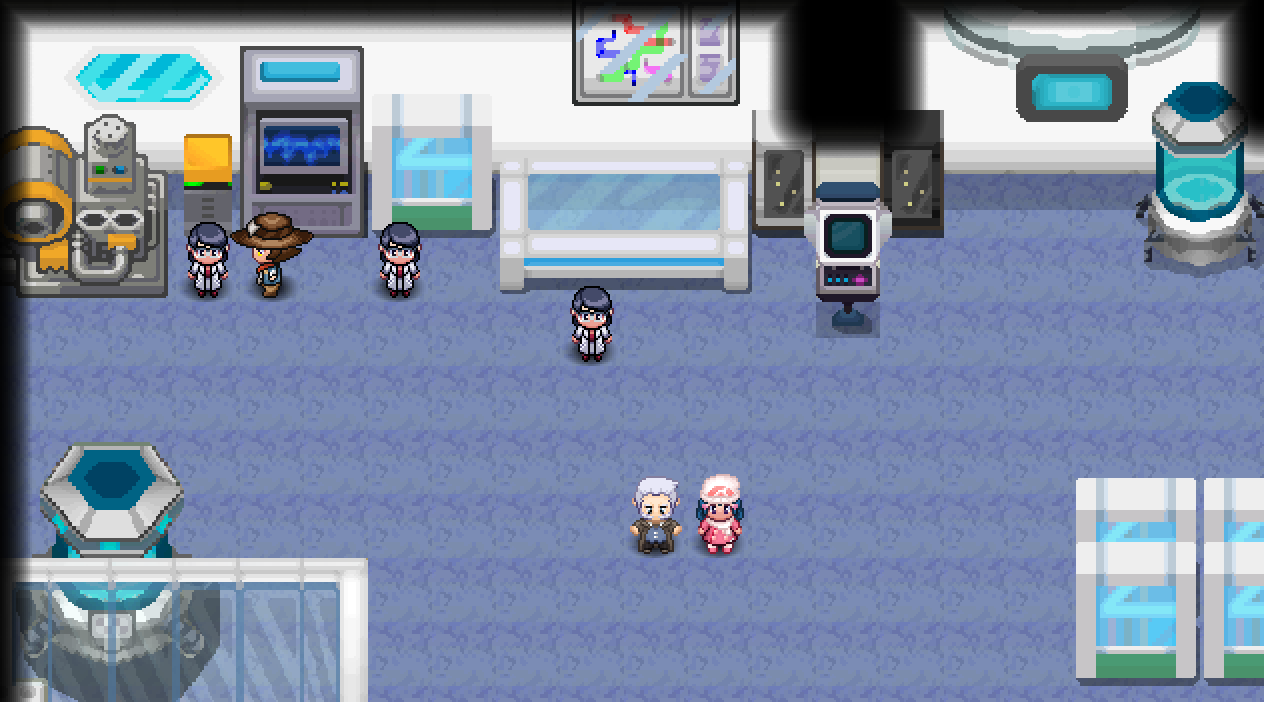
Prof. Rowan's Lab -
Pick up the Parcel. Go home to Twinleaf Town and talk to your mom. Outside, Barry’s mom asks you to take a
 Parcel to him.
 -
Meet Dawn. You meet Dawn on Route 202, north of Sandgem. This unlocks the Party button, so you can team up with a friend in a Co-op Duo.
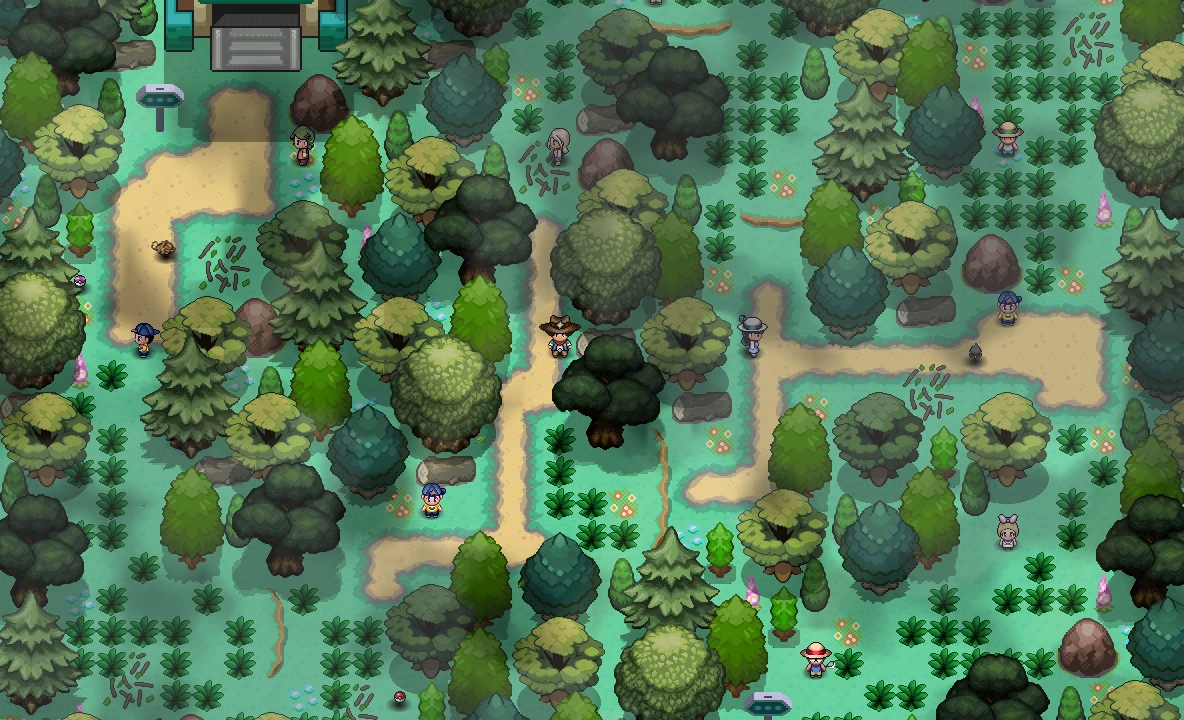
Route 202Dawn waits on Route 202, north of Sandgem Town.Wild Pokémon here -
Deliver the Parcel. Take it to Barry in the Trainer School in Jubilife City. He gives you the
 Sinnoh Map, which unlocks the world map.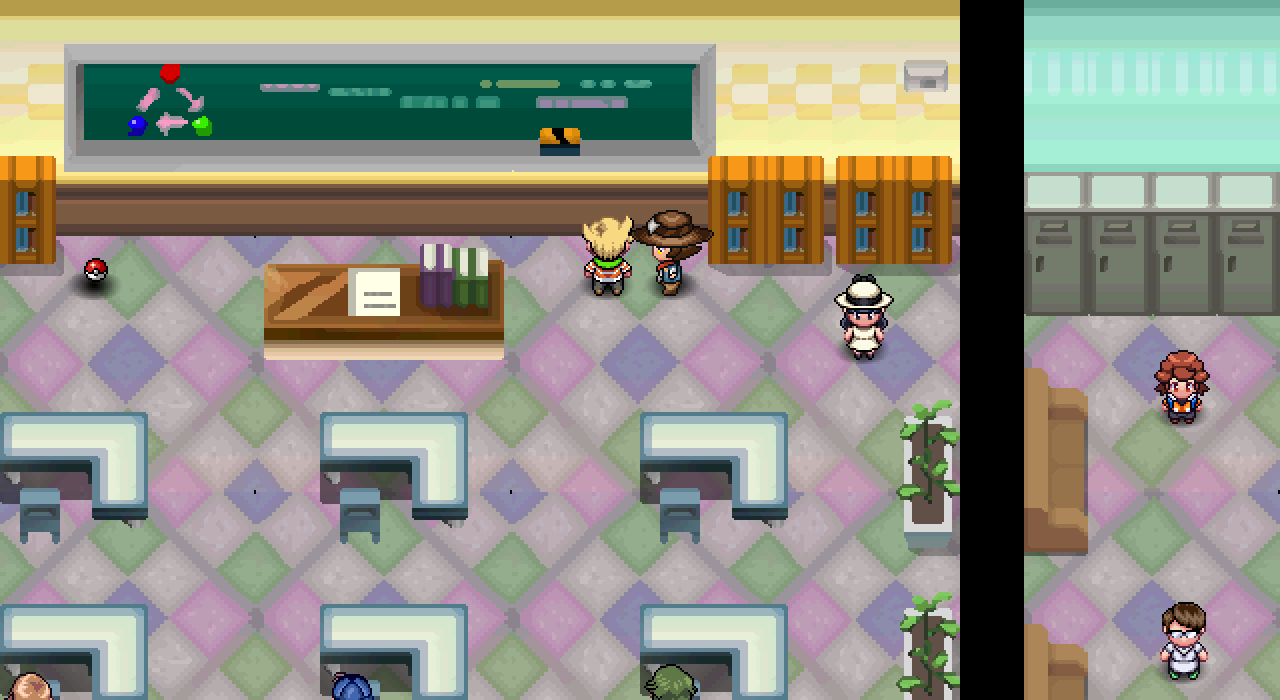
Trainer SchoolBarry swaps the Parcel for the Sinnoh Map here, in Jubilife City. -
Go for your first badge. Head on to Oreburgh City for your first Gym.
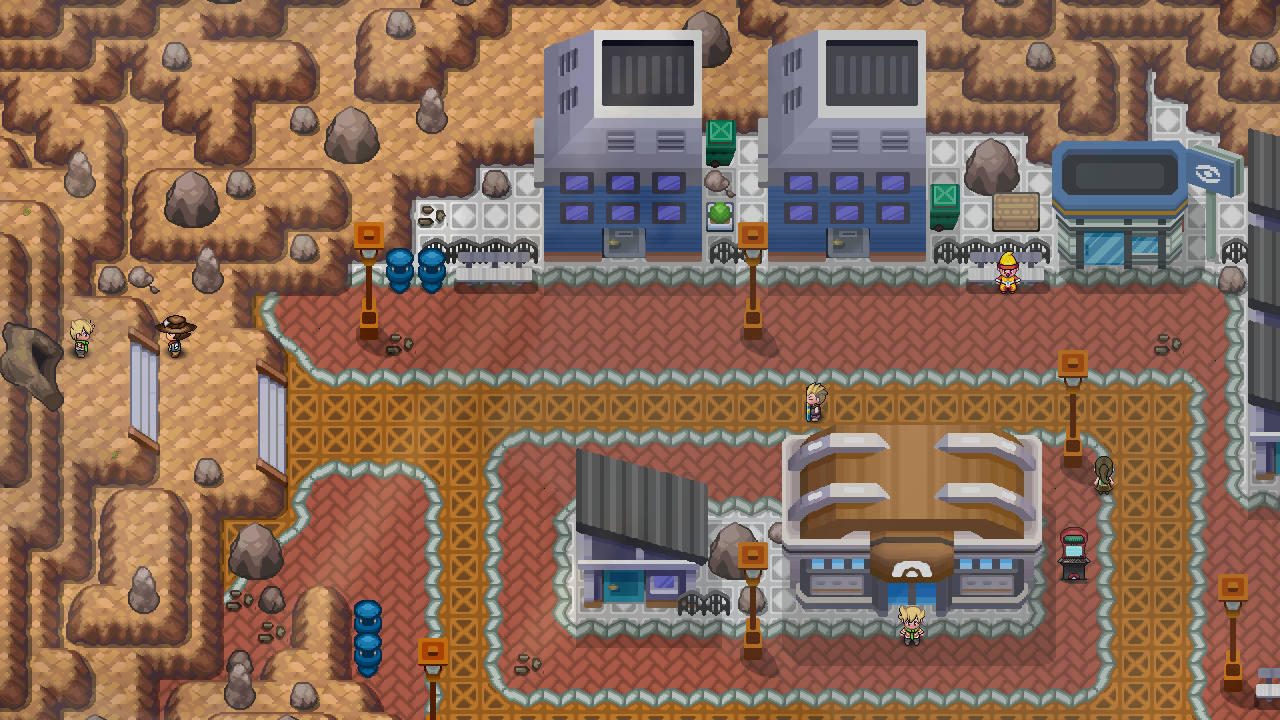
Oreburgh CityOreburgh City has the first Sinnoh Gym.


From here, two pages take over:
Ask for help
Section titled “Ask for help”- In game: the ? (Help) button has links to the guides, an Item Finder, a Sync button for when you are stuck in a doorway, and an Open Ticket link for support. See Help (?).
- Community: join the PBO Discord or the forums. Say which platform you play on, what you were doing and the exact message you saw.
- Stay safe: crop personal details out of screenshots, and never post your password or e-mail codes.